Free tools for the questions every bug report raises

What’s in this article
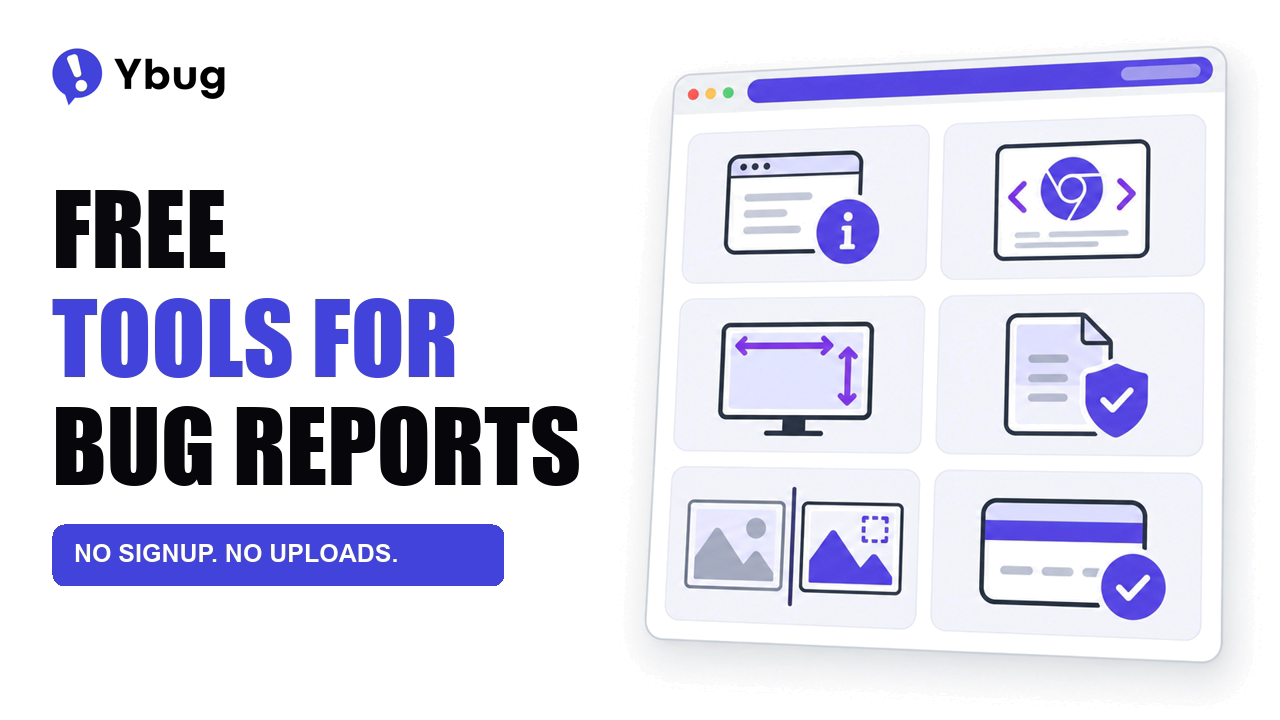
“Which browser were you on?” “What size was your window?” “Can you send me a HAR file?” A vague bug report sets off the same follow-up questions every time, and Ybug now has six free tools that answer them. They run in your browser, they don’t need an account, and nothing you paste or drop into them gets uploaded. All six are at ybug.io/tools.
The three emails after “it’s broken”
Picture a client who emails on a Friday afternoon to say the pricing page “looks broken.” There’s no screenshot, so the developer replies and asks for one. Then for the browser. Then for the window size, because the layout only breaks at certain widths. If a request is failing too, a fourth email asks for a HAR file and explains how to record one.
None of these questions is unreasonable. The developer can’t start without the answers. But every question costs a round trip, and a client who isn’t technical has to look up what a user agent is before they can reply.
Each tool turns one of those questions into a page you can send. The client opens it and copies the result, and the developer gets what they asked for without writing a guide to someone else’s browser settings.
Questions developers ask the reporter
Which browser were you on? The browser info tool shows the browser, OS, screen size, viewport and time zone on one page. The reporter can copy it as plain text or Markdown, or send it as a link. It also flags extensions that change the page, such as ad blockers, Dark Reader and page translation, which are behind more “it looks broken for me” reports than anyone would like.
When the ticket already contains a user agent string, paste it into the user agent checker. It parses the browser, engine, OS and device, and shows your own user agent and client hints next to it.
What size was your window? Responsive bugs depend on the viewport, not the screen. The viewport size checker shows the live window dimensions, the screen resolution and the device pixel ratio, and highlights which default CSS breakpoint the window matches. Resize the window and you’ll see the exact width where a layout switches.
Can you send me a HAR file? A HAR file records every request the browser made, which makes it the quickest way to find the call that failed. It also contains the session cookies and tokens of whoever recorded it. The HAR analyzer lets you filter requests by URL or status, open the one that failed and copy it as cURL. Before the file goes to anyone else, the sanitizer finds cookies, tokens, passwords and JWTs and replaces them with [redacted] in the copy you download.
Questions QA asks before release
Not every question comes from a developer chasing a reporter. Some come up during the last check before a release.
What exactly changed? A deploy that fixes one component can shift a margin somewhere else, and two screenshots side by side rarely make a 4-pixel difference obvious. The image diff tool takes a before and an after image and highlights every pixel that changed. You can swipe or fade between the two versions, raise the tolerance to ignore compression noise, and download the highlighted diff as a PNG for the ticket.
Does checkout still work? Testing a payment flow takes more than one successful order. The test credit card numbers page lists sandbox cards for Stripe, Adyen and Braintree, covering successful payments, declines and 3D Secure, each one ready to copy.
Why everything runs in your browser
The files these tools handle aren’t harmless. A HAR file holds working session tokens, and anyone who has it can use them until they expire. A screenshot of a staging site can show a client’s unreleased work. Neither should land on someone else’s server just to answer a quick question.
So every tool does its work in the browser tab. The HAR analyzer reads the file locally, the image diff compares the images locally, and closing the tab clears both. There’s no upload, no account and no signup form between you and the result.
The browser info link needed a little more thought, since a shared link has to carry the details somewhere. They sit after the # sign in the URL. Browsers never send that part to a server, so the details go only where you send the link.
What the tools don’t do
Each tool answers one question at a time. Someone still has to open it, copy the result and paste it into the conversation, and the developer still has to ask for it first.
That’s the gap the Ybug widget closes. Every report sent through it comes with a screenshot, the browser, OS, screen and viewport size, and the JavaScript console logs. On STARTUP and higher plans, it records the failed network requests too. The tools are for everything else: sites without the widget, and questions that come up outside a bug report.
Which question should be next?
There’s probably a question you still ask in every bug report. If a small tool could answer it, I’d like to hear which one. Click the Feedback button on any page and tell me.