Usersnap alternatives: 7 tools compared for 2026

What’s in this article
Usersnap is a customer feedback platform that combines visual bug reporting with surveys and product discovery, priced by project. Teams look for a Usersnap alternative when they only need bug reports, or when a third team member moves them from the €49 Starter plan to the €129 Growth plan.
This guide compares seven alternatives in two groups: tools built for bug reporting, and broader feedback platforms that also run surveys and collect feature requests. For each one it lists the pricing model, the free plan, where console logs and Jira start, and the main trade-off. Prices and limits come from each vendor’s own pricing or feature page, checked in October 2026. Vendors change plans often, so confirm current prices on their site before you decide.
Key takeaways
- Usersnap Starter costs €49 a month for 2 seats and 2 projects, and Usersnap counts every feedback widget or survey as a project. The next plan, Growth, costs €129 a month with unlimited seats and 10 projects.
- Usersnap has no free plan, and its trial ends after 20 feedback items. Ybug, Jam.dev and Userback each offer a free plan with limits.
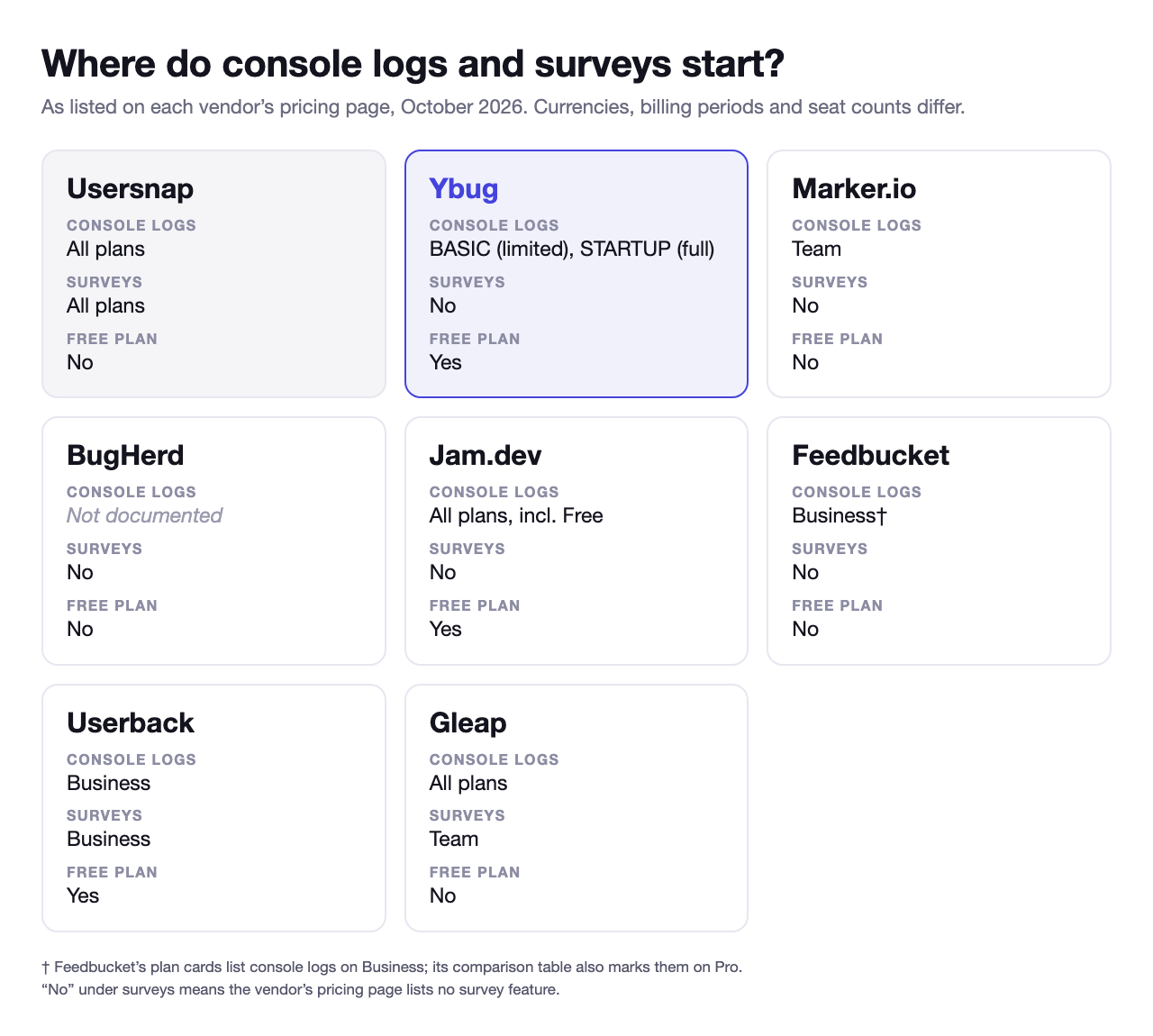
- Console logs and two-way Jira sync are on every Usersnap plan. Ybug (limited on BASIC), Jam.dev and Gleap capture console logs from their cheapest plan; Marker.io, Userback and Feedbucket keep them for a higher tier; BugHerd’s pages do not document them.
- The bug-reporting tools cost less for a small team but run no surveys. Userback and Gleap add surveys and feature requests, on their higher plans.
- Usersnap remains a good fit for product teams that want bug reports, surveys and two-way tracker sync from one widget.
How do the alternatives compare?
The table compares the points that usually decide a switch: how the price grows with the team, the cheapest paid plan, whether a free plan exists, which plan captures console logs, whether the tool runs surveys, and which plan first connects Jira.
| Tool | Best for | Pricing model | Paid plans from | Free plan | Console logs | Surveys | Jira from |
|---|---|---|---|---|---|---|---|
| Usersnap | Bug reports plus product discovery | Project tiers, 2 seats then unlimited | €49/mo | No | All plans | All plans | Starter, €49/mo (two-way) |
| Ybug | Flat price, bug reports to trackers | Flat per plan | €13/mo | Yes | BASIC (limited), STARTUP (full) | No | BASIC, €13/mo* |
| Marker.io | QA teams on Jira | Tiers + extra users | $59/mo ($39 annual) | No | Team | No | Team, $199/mo |
| BugHerd | Element pinning, built-in board | Tiers + paid extra seats | $50/mo ($42 annual) | No | Not documented | No | Premium, $150/mo |
| Jam.dev | Internal dev and QA | Per creator | $14/creator/mo annual | Yes | All plans | No | Free |
| Feedbucket | Agencies, many sites | Member tiers | $49/mo | No | Business | No | Pro, $49/mo |
| Userback | Feedback inbox, free plan | Seat tiers | $39/mo ($29 annual) | Yes | Business | Business | Team, $39/mo (two-way) |
| Gleap | Support desk with bug reports | Tiers by seats and projects | $35/mo ($29 annual) | No | All plans | Team | Team, $179/mo |
 Ybug
Ybug*One integration per project on BASIC; all integrations, plus full console and network logs, from STARTUP (€29/mo). Ybug sends reports to trackers one way.
“No” under Surveys means the vendor’s pricing page lists no survey feature.
Prices checked on each vendor’s pricing page in October 2026, excluding tax. They may have changed since; check the vendor’s site for current figures.
Why consider a Usersnap alternative?
Usersnap’s pricing page shows five points worth checking against how your team works.
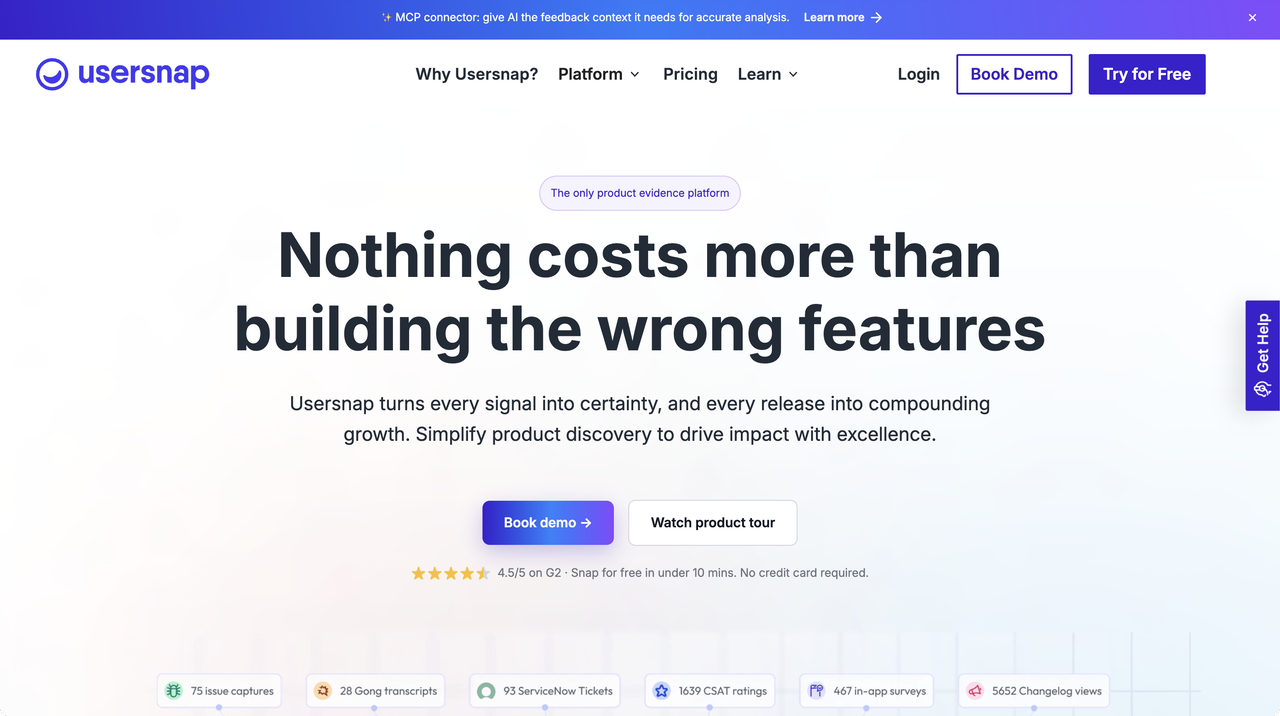
1. The third team member costs €80 a month. Starter includes 2 seats, meaning 2 people with access to the Usersnap dashboard. The next plan, Growth, has unlimited seats and costs €129 a month. A team of three pays €129.
2. A project is one widget or one survey. Usersnap defines a project as “a feedback widget or survey”. Starter includes 2, so a feedback widget on one site and one survey use the whole plan. Growth allows 10 and Professional, at €219 a month, allows 20.
3. Page views are capped per plan. Starter covers 100,000 page views a month, and Usersnap counts one each time its snippet loads, so a widget on a busy public site uses the allowance with every visit. Growth covers 500,000 and Professional 1,000,000.
4. There is no free plan. The free trial ends once the account has collected 20 feedback items, and continuing after that needs a paid plan. Usersnap adds a free month of Premium for trial accounts that set up two channels and collect those 20 items.
5. Much of the product serves product discovery. Every plan includes survey targeting, logic surveys and an opportunity board. Professional and up add public roadmaps, and AI analysis is an add-on on the two cheaper plans. A team that only needs bug reports from a website pays for a platform built around research.
When is Usersnap still the right choice?
Usersnap does several things that most tools in this list do not, from its cheapest plan:
- Two-way tracker sync on every plan. Status changes flow back from Jira, Jira Product Discovery, Azure DevOps, Asana and Linear.
- Bug reports and surveys from one widget. A product team can collect bug reports, run in-app surveys and sort ideas on an opportunity board without a second tool.
- Console logs on every plan, together with annotated screenshots, video feedback and a browser extension.
- Unlimited seats from Growth. Large teams pay by the number of widgets and surveys, not by the number of people. Reporters never need a seat.
If your team uses surveys as much as bug reports, staying on Usersnap is a reasonable decision.
Is there a free Usersnap alternative?
Yes. Three tools in this list have a free plan:
- Ybug FREE: 1 project, 1 member, 50 screenshots a month. Reports include an annotated screenshot with browser, OS and URL details. Console logs and integrations start on the paid plans.
- Jam.dev Free: 30 captures a month and 5 creator seats, with console and network logs and Jira and Linear included. It works through a browser extension, so it suits internal teams more than clients.
- Userback Free: 2 seats and 2 projects. Feedback older than 7 days is locked until you upgrade.
These plans suit trying a tool or running a low-volume project. Each caps something, whether projects, volume or feedback history, so check the cap against your workload.
Alternatives for bug reporting
These five tools focus on getting a bug report from a website to the people who fix it. None of them runs surveys.
1. Ybug
Ybug adds a feedback button to your site with one JavaScript snippet. Reporters draw on a screenshot of the page and submit, with no account. Each report arrives with the browser, OS, screen size and URL, and on paid plans with the JavaScript console log. The report then goes to Jira, Linear, Asana, ClickUp, GitHub or any of 25+ integrations, automatically or after review in the Ybug dashboard.

Pricing: flat per plan, with no billing for extra seats. BASIC costs €13 a month (3 members, 3 projects), STARTUP €29 (7 members, 7 projects) and COMPANY €59 (15 members, 15 projects). Yearly billing is 20% cheaper. Reporters are unlimited on every plan. Free plan: yes. The trial lasts 10 days on the plan you choose.
Solves: the seat jump, the page-view cap, the missing free plan, and paying for discovery features. Paid plans count neither page views nor reports. A team of seven on STARTUP pays €29 a month for all integrations, full console and network logs, webhooks and screen recording. BASIC connects one tracker per project, Jira included, with limited console recording.
Trade-off: Ybug sends reports to your tracker one way: status changes in Jira do not flow back, which Usersnap syncs on every plan. Ybug runs no surveys and has no roadmap board. Each plan caps both members and projects; a team that outgrows its plan moves to the next one, and extra projects are available only on COMPANY (€3 each). Ybug annotates a screenshot of the page, and console logs come from the website widget; the browser extension captures screenshots only. See Ybug vs Usersnap for the full comparison.
Bug reports with full console and network logs for a team of seven, €29 a month.
(no credit card needed)
2. Marker.io
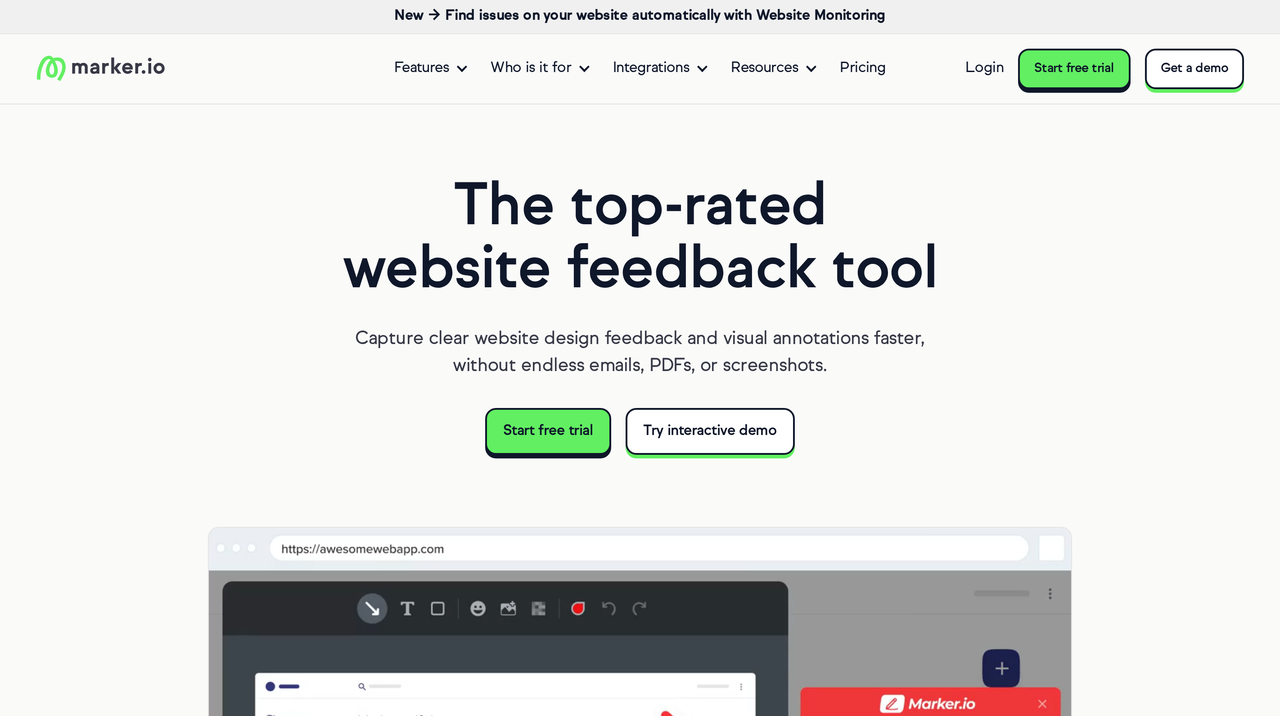
Marker.io is a website feedback widget for QA teams, with issue sync to Jira and other trackers. Reporters are unlimited and need no account; a separate “guest” role, with more access, is capped per plan.
Pricing: tiered by users. Starter costs $59 a month or $39 billed annually (3 users, up to 10 projects), and each extra user costs $6 a month, or $4 billed annually. Team costs $199 a month or $149 billed annually (15 users, up to 50 projects). Free plan: no. The trial lasts 15 days.
Solves: the seat jump, since a fourth person on Starter adds $6 a month ($4 billed annually) rather than a plan change, and more projects on the entry plan.
Trade-off: console logs, session replay, Jira and issue sync all start on Team, at $199 a month or $149 billed annually, a budget similar to Usersnap Growth. Starter also caps page views at 5,000 a month, against 100,000 on Usersnap Starter. See Ybug vs Marker.io.
3. BugHerd
BugHerd pins feedback to page elements and tracks it on its own task board, so a team without Jira gets a complete workflow on day one.
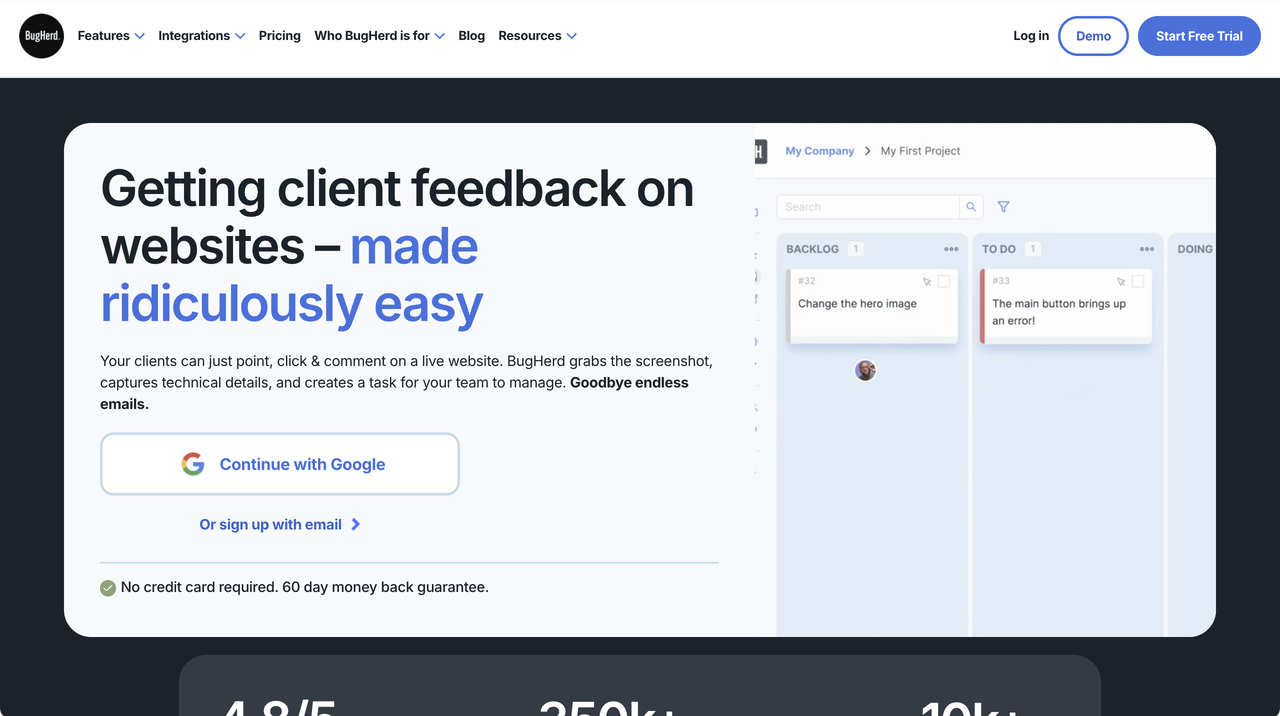
Pricing: tiered by members, with extra members billed. Standard costs $50 a month or $42 billed annually (5 members), Studio $80 (10 members) and Premium $150 (25 members). Each extra member costs $8 a month. Projects and guests are unlimited on every plan. Free plan: no.
Solves: the project cap, since every plan has unlimited projects, and 5 members on the cheapest plan.
Trade-off: Jira, Linear, Asana and ClickUp are Premium-only, at $150 a month, and BugHerd’s pages do not document console log capture. Usersnap vs BugHerd: Usersnap includes Jira sync and console logs from Starter but caps widgets and seats; BugHerd has no project cap but keeps the trackers for Premium. Agencies with many client sites and no Jira fit BugHerd better; product teams on Jira fit Usersnap better. See Ybug vs BugHerd and the guide to BugHerd alternatives.
4. Jam.dev
Jam is a browser extension that captures a screenshot or recording with console logs, network requests and device details in one click.
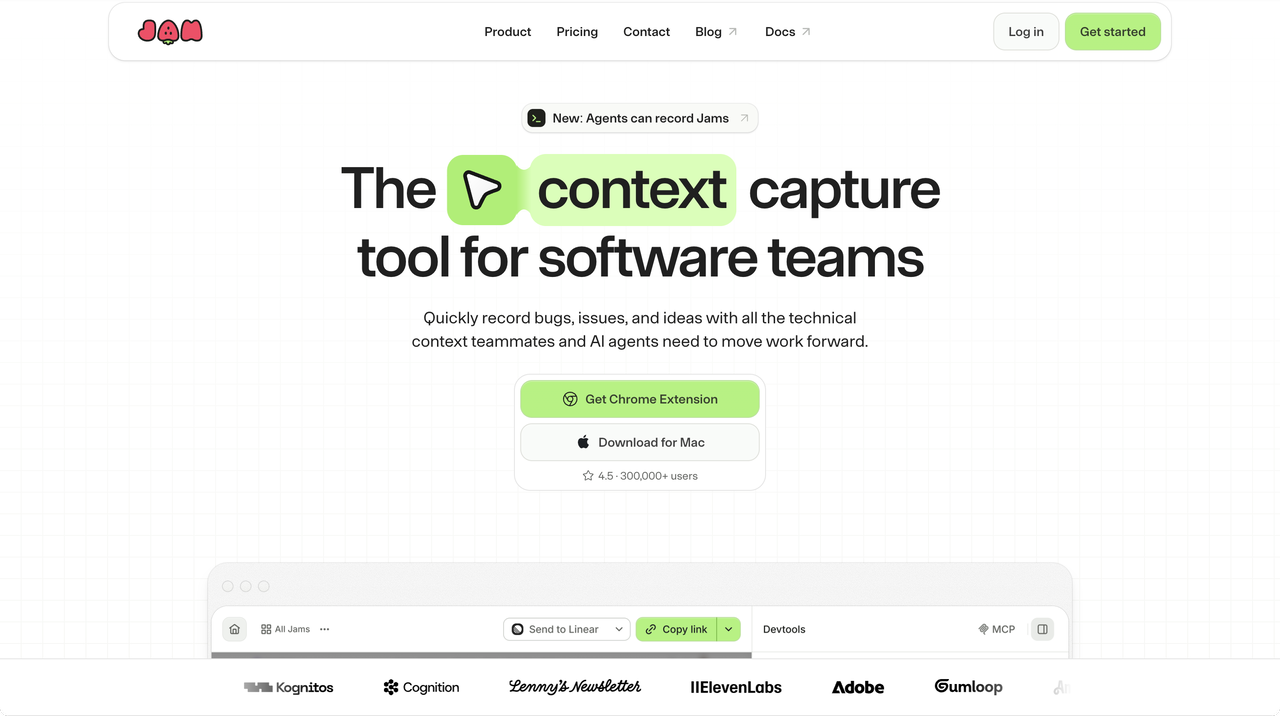
Pricing: per creator. Team costs $14 per creator a month billed annually. Free plan: yes, 30 captures a month and 5 creator seats, with Jira and Linear included. The Team trial lasts 14 days.
Solves: console and network logs on every plan, including Free, and Jira without a paid plan.
Trade-off: Jam is not an on-page widget. Reporters install the extension, or you send a Recording Link (5 a month on Free, 150 on Team). That works well for developers and QA, and less well for clients or website visitors. See Ybug vs Jam.
5. Feedbucket
Feedbucket is built for agencies collecting client feedback on websites. It has no project cap, and clients report without an account.
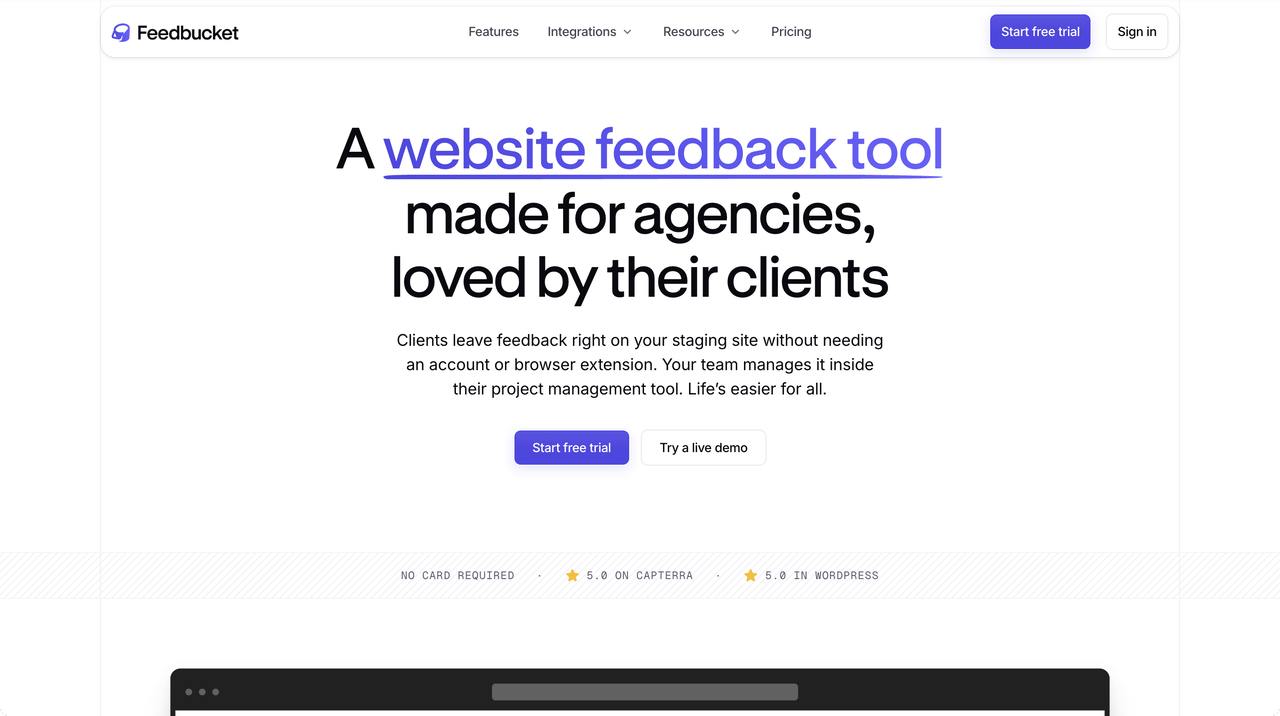
Pricing: tiered by members, with unlimited projects on every plan. Pro costs $49 a month (2 members) and includes Jira, ClickUp, Asana and Linear. Business costs $89 a month (25 members). Yearly billing is 20% cheaper. Free plan: no. The trial lasts 14 days.
Solves: the project cap. An agency can add a widget to every client site on any plan.
Trade-off: Pro includes 2 members, the same as Usersnap Starter, so most teams of three or more start on Business. The pricing page lists console logs on Business in the plan cards and on Pro in the comparison table. See Ybug vs Feedbucket.
Alternatives with surveys and roadmaps
These two tools cover more of what Usersnap does beyond bug reports, on their higher plans.
6. Userback
Userback collects visual feedback and bug reports through an on-site widget, and adds surveys and session replay on Business. Reporters do not need a seat.
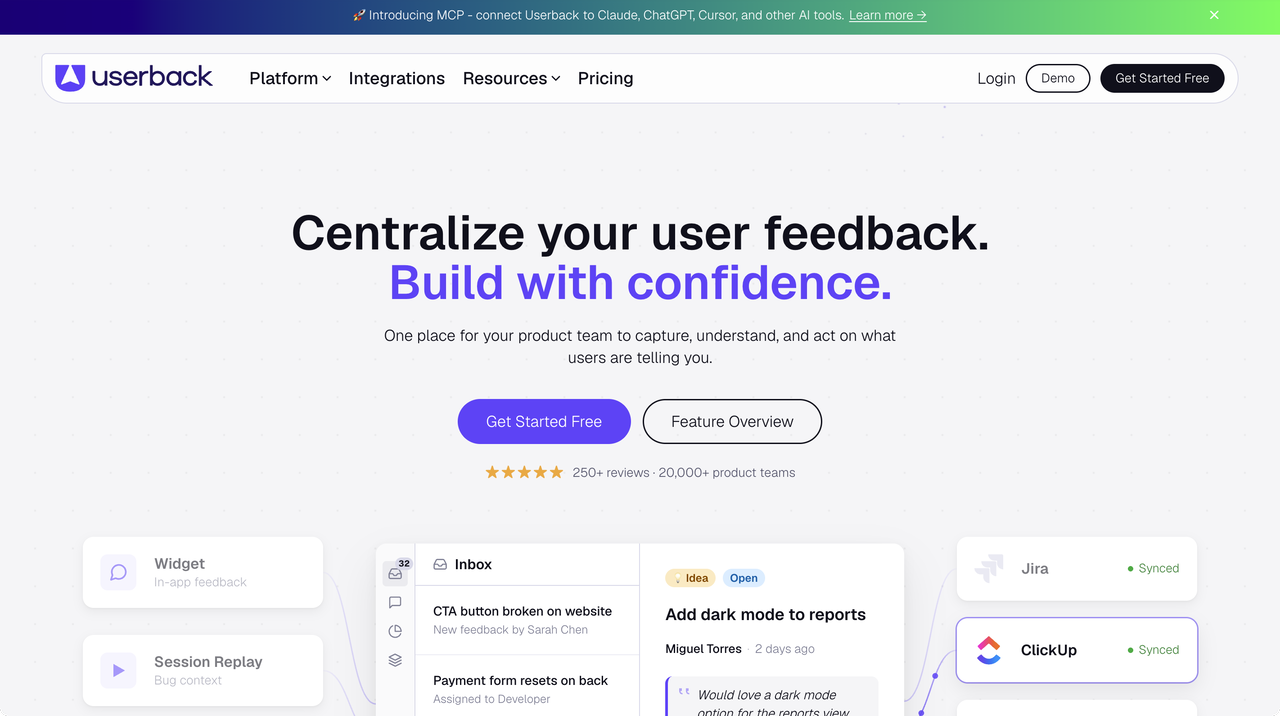
Pricing: tiered by seats. Team costs $39 a month or $29 billed annually (5 seats, 5 projects), with two-way Jira and ClickUp sync. Business costs $99 a month or $79 billed annually, with unlimited seats, 25 projects, console logs, session replay and surveys. A feature request portal is a paid add-on from Team, at $31 a month billed annually. Free plan: yes, with feedback locked after 7 days.
Solves: the missing free plan, and 5 seats with two-way Jira sync on the cheapest paid plan.
Trade-off: console logs and surveys both start on Business. Userback vs Usersnap: Userback starts cheaper, with more seats and a free plan; Usersnap includes console logs and surveys from its first plan. A team that needs both pays $79 to $99 a month on Userback, against €129 on Usersnap Growth once it has more than two people. See Ybug vs Userback.
7. Gleap
Gleap is now positioned as a help desk for software teams. It combines live chat and a support inbox with bug reporting for web and mobile apps, plus surveys and a feature request board on its higher plans. Bug reports can include an annotated screenshot, console logs, recent network requests and a session replay.
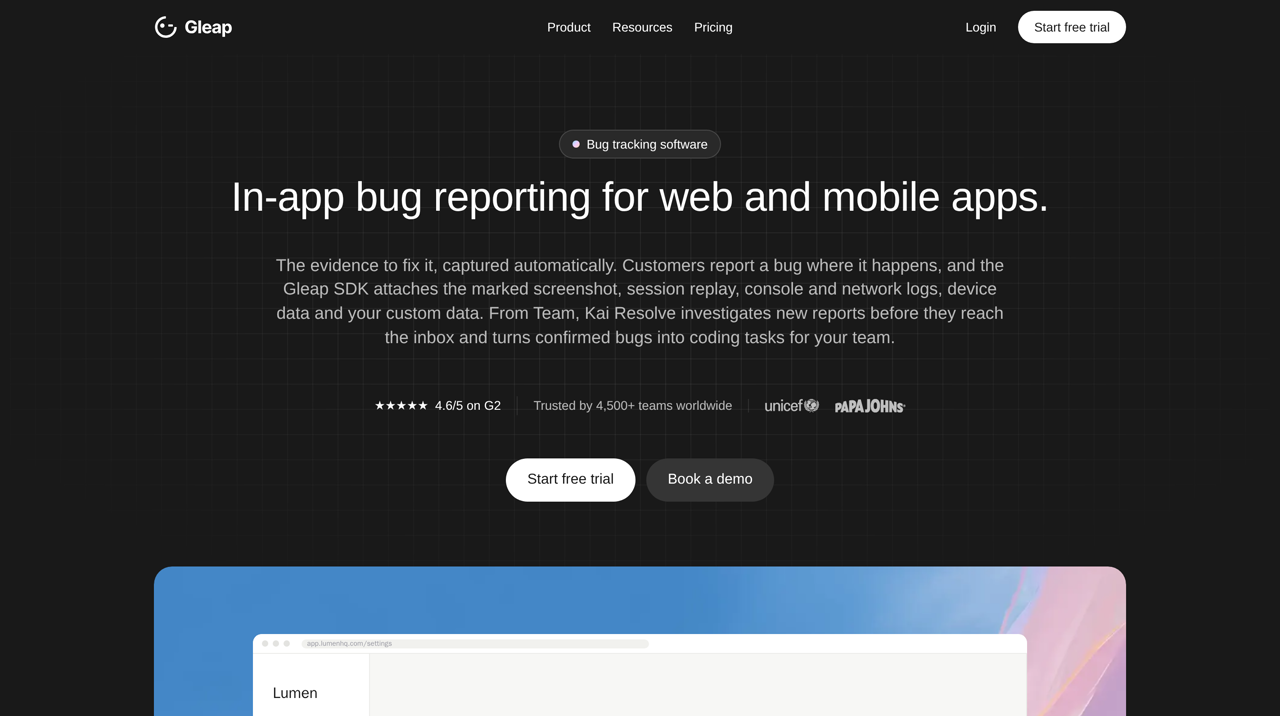
Pricing: tiered by seats, projects and monthly active users. Starter costs $35 a month or $29 billed annually (1 seat, 1 project). Team costs $179 a month or $149 billed annually, with unlimited seats and projects, surveys, roadmaps and all native integrations, Jira included. Every paid plan adds $0.29 per support conversation resolved by its AI agent. Free plan: no. The 7-day trial needs a card.
Solves: console logs from the first plan, and bug reports, surveys, roadmaps and support chat in one tool. According to Gleap, Jira, Linear, GitHub and ClickUp report changes back to the ticket.
Trade-off: Starter has one seat and no Jira, so most teams start on Team. The product is built around customer support, which is more than a team needs for website QA. See Ybug vs Gleap.
How do you switch from Usersnap to Ybug?
Replace the Usersnap widget script with the Ybug snippet, then connect your tracker in the project’s integration settings and choose whether reports go to it automatically or after review. Ybug does not import Usersnap feedback, so finish or move the open items before you cancel. If you run surveys in Usersnap, keep a survey tool for those; Ybug replaces the bug-reporting part. The Ybug vs Usersnap page compares the two in detail, and the Jira integration page shows what arrives on each issue.
For a wider look at the category, see the guide to the best website feedback tools.
Bug reports with the console log attached, at one flat price for the whole team.
(no credit card needed)


![Best bug tracking software & tools [2026 comparison]](https://ybug.io/images/blog/featured/best-bug-tracking-software.avif)