Shadow DOM support

What’s in this article
Are you using Polymer or another library that uses Shadow DOM? We are happy to announce support for screenshots of Polymer sites!
While it was possible to send feedback with pixel-perfect screenshots using our browser extensions on sites built with Polymer before, our Feedback Widget did not support capturing screenshots of Shadow DOM and therefore produced poor screenshots. This changes today.
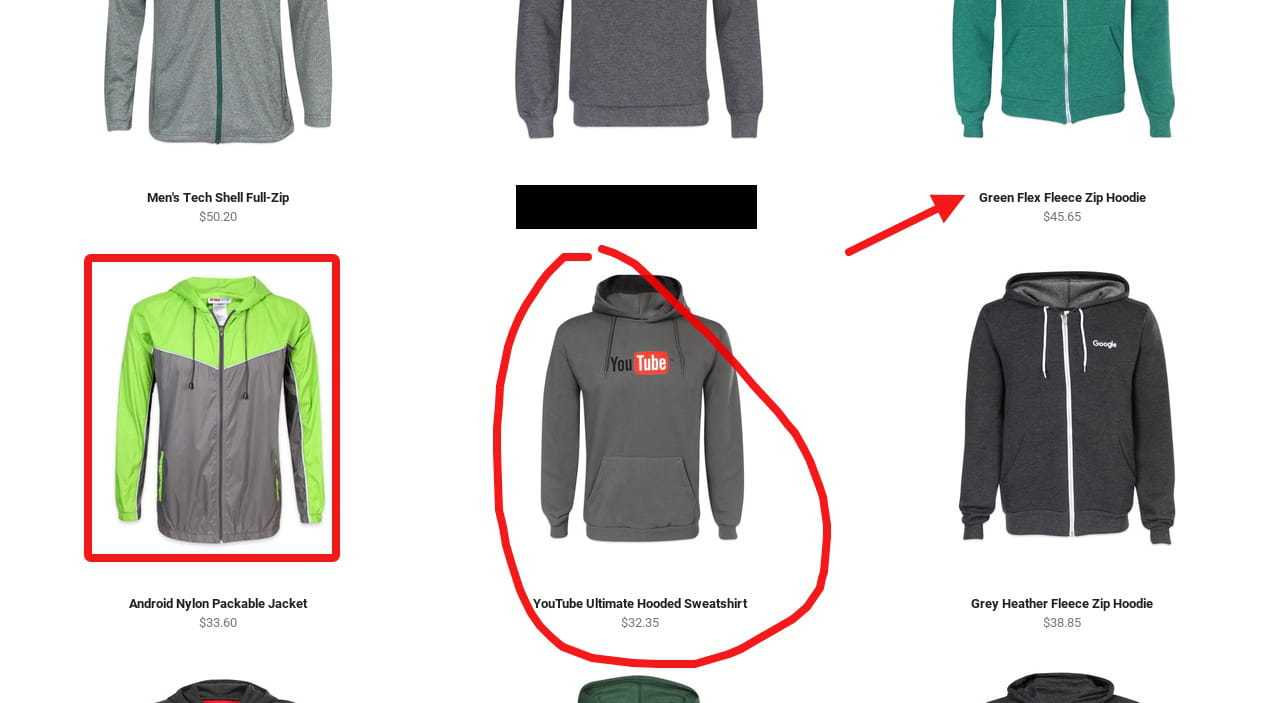
Following numerous requests, we have implemented Shadow DOM support into our Feedback Widget. Your customers or testers can now send visual feedback with annotated screenshots even on sites built with Polymer.
What is Shadow DOM?
Shadow DOM is a browser technology used by web components. It allows a component to keep its internal markup and styles separate from the rest of the page. This is useful for building reusable UI components because styles inside the component do not accidentally leak out, and page-level styles do not accidentally break the component.
Frameworks and libraries such as Polymer helped popularize this approach, and modern web applications often use web components or Shadow DOM patterns for complex interfaces.
Why Shadow DOM was a screenshot challenge
Capturing a website screenshot sounds simple, but modern front-end applications are not always simple pages. Shadow DOM creates isolated parts of the interface, and screenshot tools need to understand those isolated trees to capture the page accurately.
When a feedback tool does not handle Shadow DOM well, the screenshot may be incomplete, visually broken, or missing important UI elements. That makes the bug report much less useful because the developer cannot see what the reporter actually saw.
For visual feedback, screenshot accuracy matters. A report about a misaligned button, broken form field, hidden menu, or layout problem needs to show the real interface.
What this means for Ybug users
With Shadow DOM support in the Feedback Widget, users can report issues directly from web applications that rely on Polymer or similar web component technologies. They can annotate the page, point to the problem, and submit a report with a screenshot that better reflects the actual UI.
This is useful for:
- apps built with Polymer or web components,
- custom design systems using encapsulated components,
- checkout flows and forms built with component libraries,
- internal dashboards with complex UI widgets,
- QA teams testing modern front-end applications.
Example: reporting a web component layout issue
Imagine a checkout page where the payment component is rendered inside Shadow DOM. A tester notices that the card number field overlaps the expiry date field on a smaller screen. Without proper Shadow DOM screenshot support, the captured image might miss part of the payment component, making the report confusing.
With Ybug support in place, the tester can annotate the exact overlap and submit a clearer visual report. The developer can immediately see the affected component, page URL, browser information, and screenshot context.
Tips for testing Shadow DOM applications
- Test key components directly. Forms, navigation, modals, and checkout elements are common places for visual issues.
- Check multiple browsers. Shadow DOM behavior is standardized, but rendering bugs can still be browser-specific.
- Use annotations for exact context. Mark the broken element so developers do not need to guess which component is affected.
- Include reproduction steps. If the issue appears only after opening a dropdown or resizing the page, write that in the report.
- Review screenshots before submission. Confirm that the captured image shows the component and state you want to report.
Better visual feedback for modern web apps
Shadow DOM support makes the Ybug Feedback Widget more reliable for modern front-end applications. Whether your team uses Polymer, native web components, or a design system built on encapsulated UI elements, testers and customers can now send visual feedback with screenshots that better represent what they see on the page.


